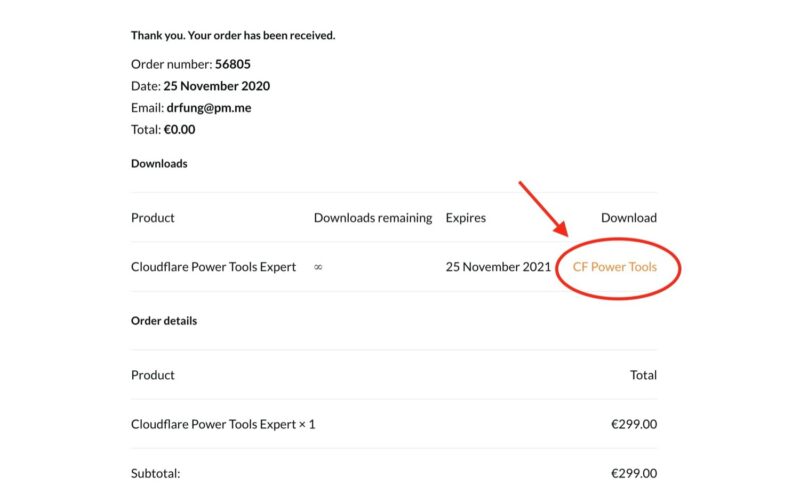
Just after your purchase, download CF Power Tools plugin by clicking “CF Power Tools”.
Step 2
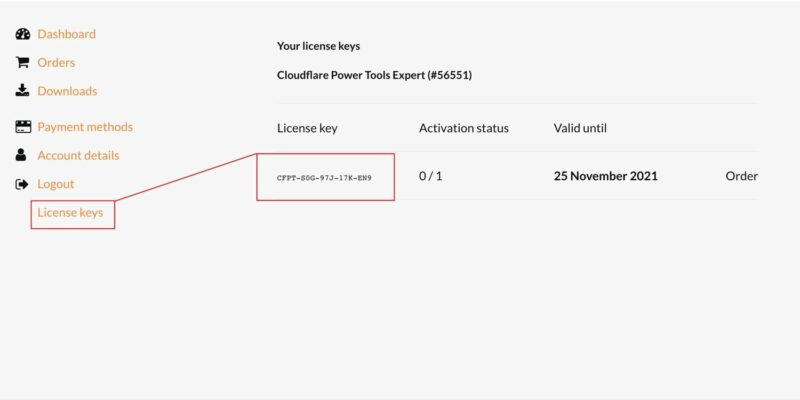
Get your license key from “My account” on our website.
Step 3
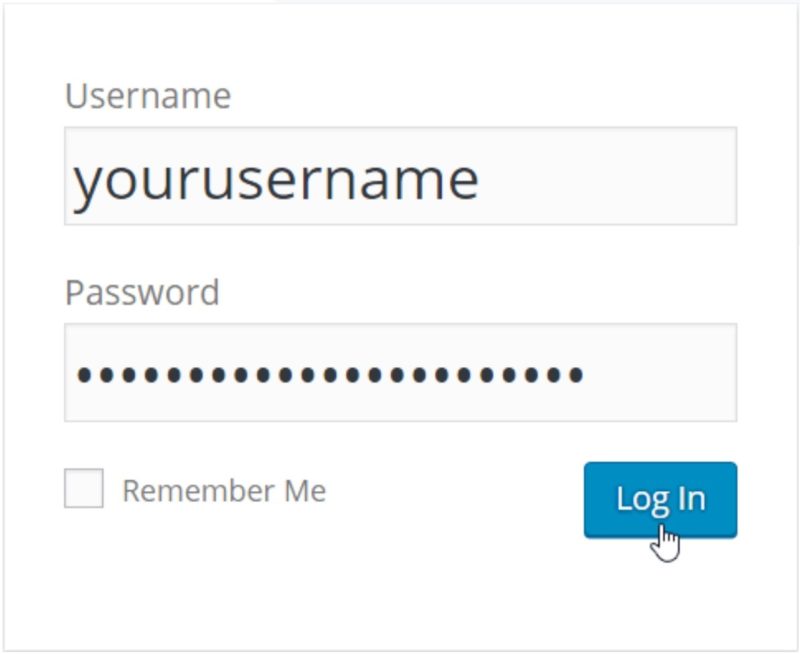
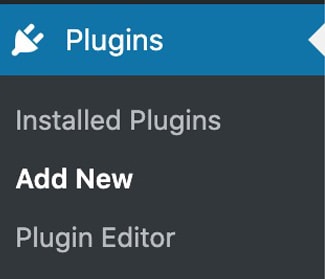
Go to your WordPress dashboard and login. Go to Plugins – Add New, upload CF Power Tools plugin and activate it.
Step 4
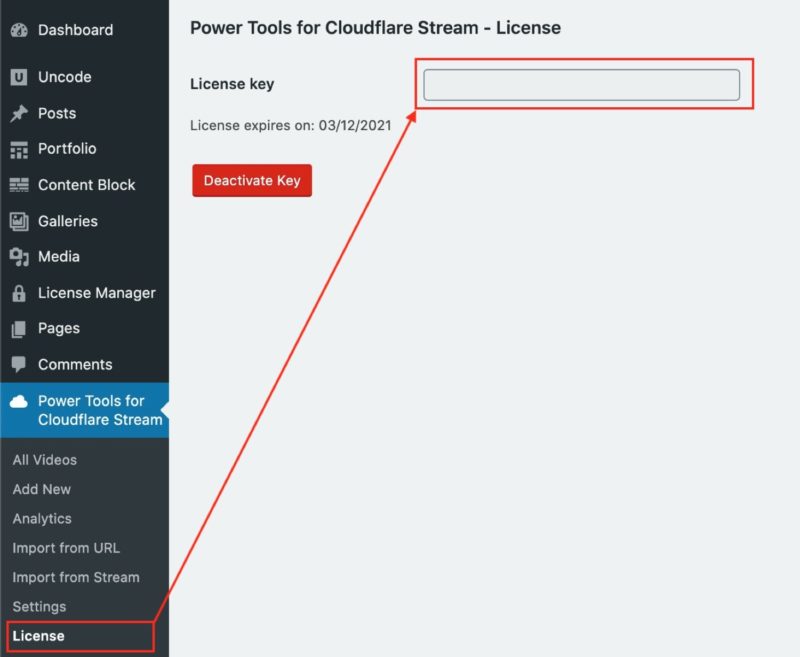
Install the license into CF Power Tools Wordpress plugin.
Step 5
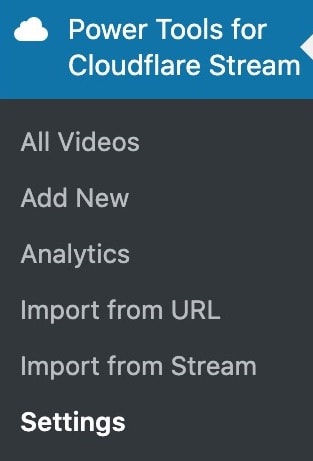
Go to “Power Tools for Cloudflare” – Settings.
Step 6
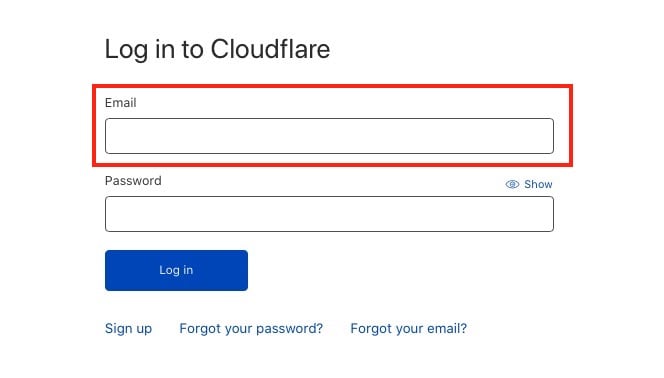
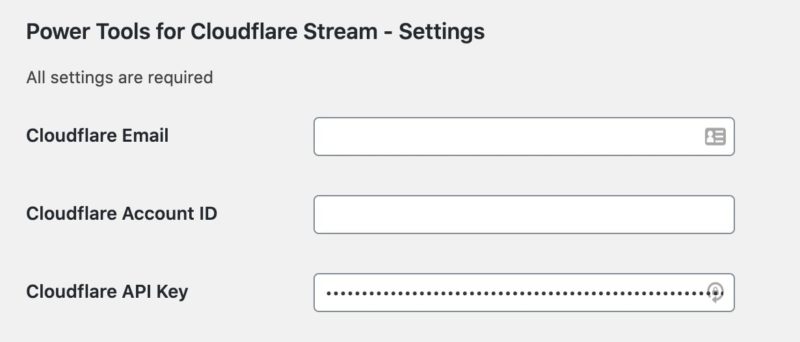
Copy and paste inside CFPT’s settings page your Cloudflare’s email:
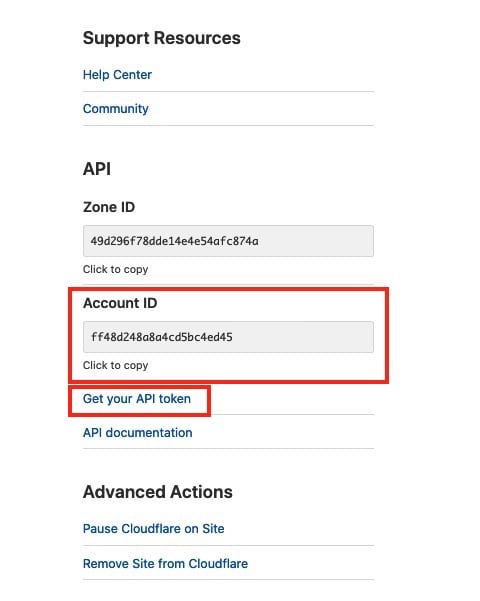
select your website on Cloudflare and copy the Account ID:
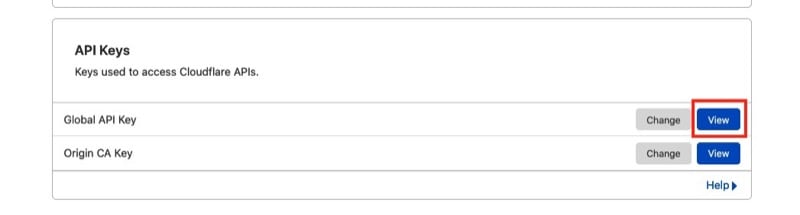
and copy the global API key (not custom token!) and hit save on CFPT’s settings page.
Proceed with importing all of your videos into CF Power Tools and integrate their shortcodes into your content. See how it works للمزيد من المعلومات.
Get CF Power Tools Wordpress Plugin for Cloudflare Stream
استيراد مقاطع الفيديو وتوقيع عناوين URL والحصول على التحليلات في مكون إضافي واحد. قم بتثبيته وتهيئته في دقيقتين، ثم قم بتشغيل مقاطع الفيديو المفضلة لديك من داخل WP.