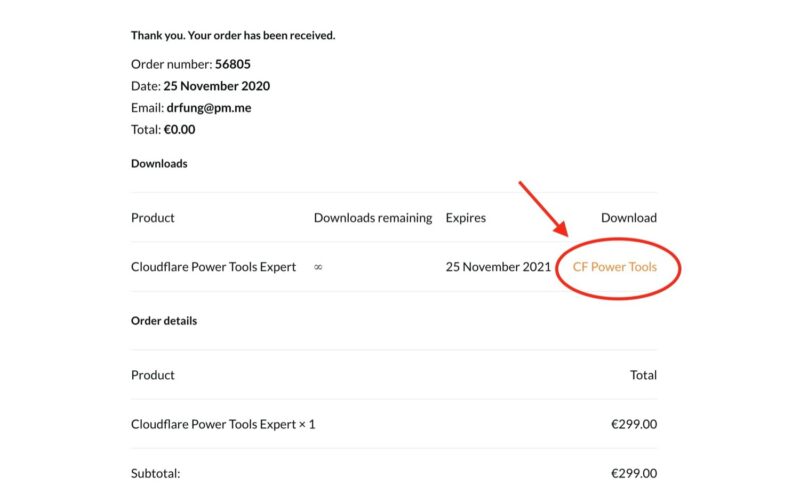
Just after your purchase, download CF Power Tools plugin by clicking “CF Power Tools”.
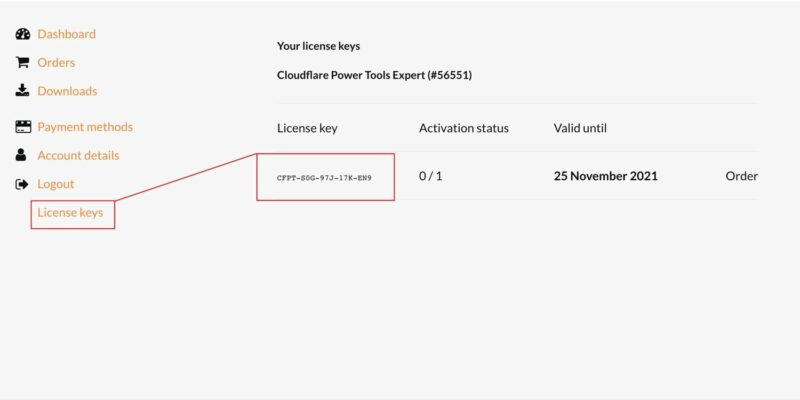
Get your license key from “My account” on our website.
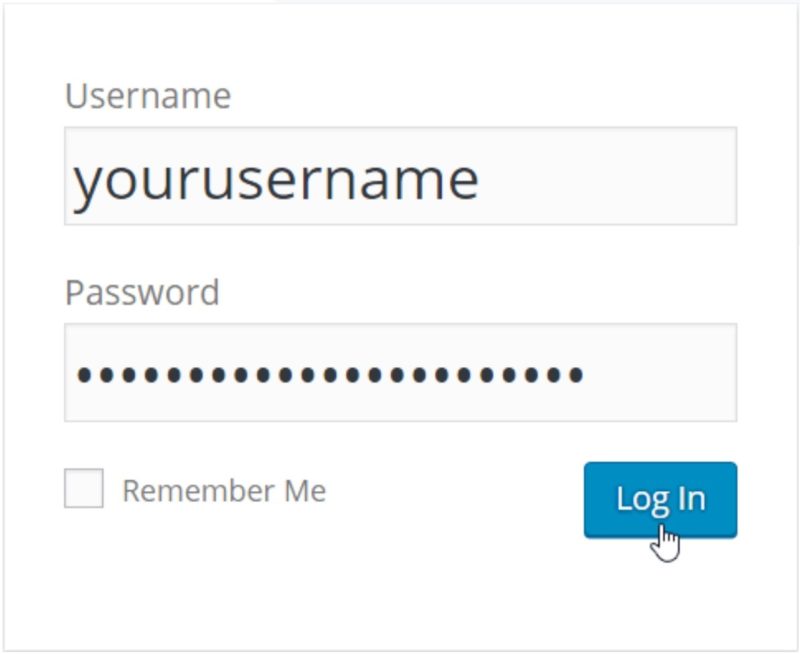
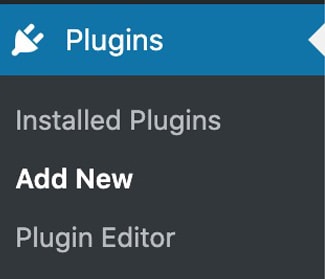
Go to your WordPress dashboard and login.Go to Plugins – Add New, upload CF Power Tools plugin and activate it.
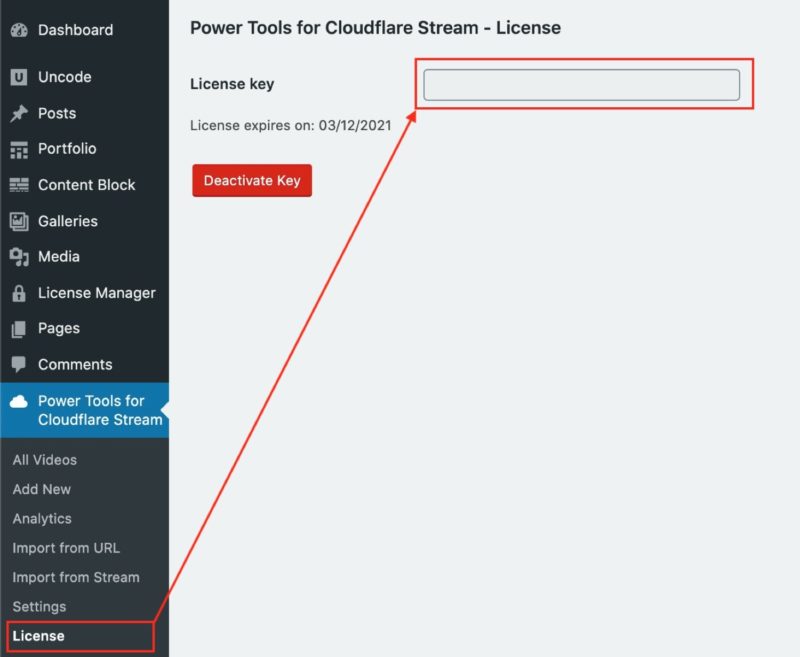
Install the license into CF Power Tools Wordpress plugin.
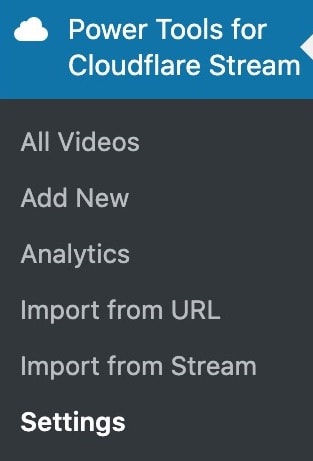
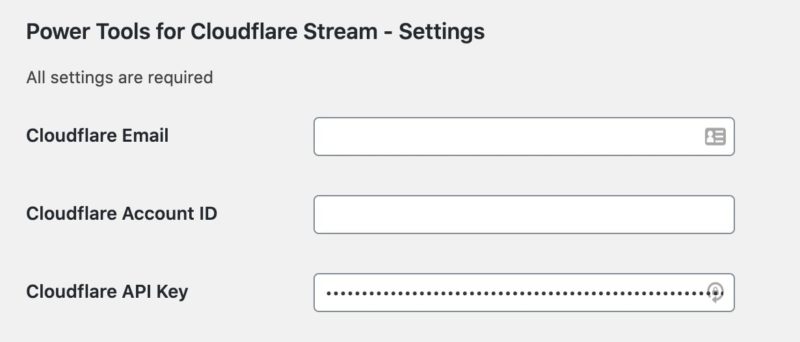
Go to “Power Tools for Cloudflare” – Settings.
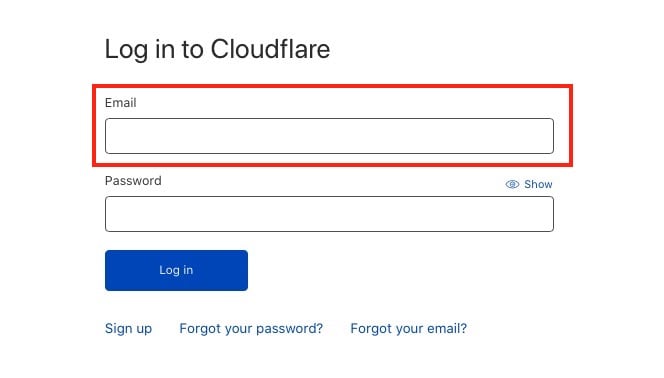
Copy and paste inside CFPT’s settings page your Cloudflare’s email:
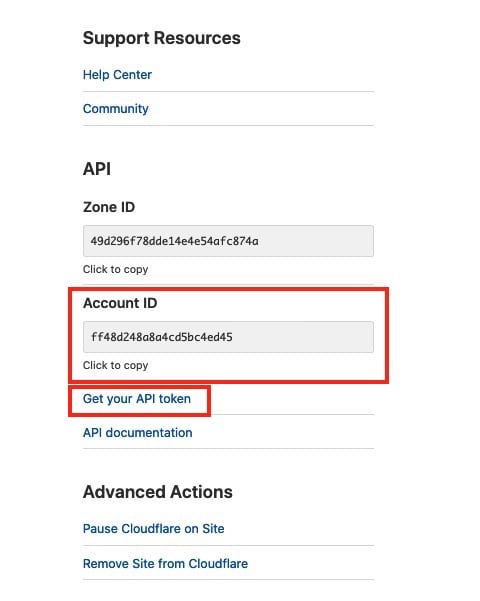
select your website on Cloudflare and copy the Account ID:
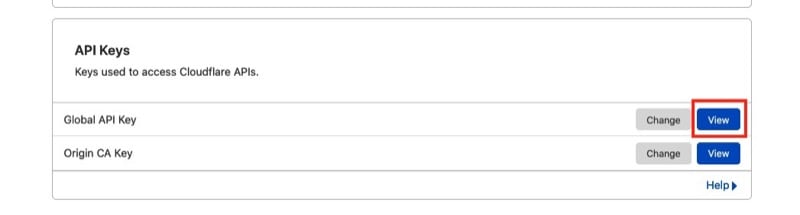
and copy the global API key (not custom token!) and hit save on CFPT’s settings page.
Proceed with importing all of your videos into CF Power Tools and integrate their shortcodes into your content. See how it works 了解更多信息。.
只需一个插件,即可导入视频、签署 URL 并获得分析结果。.只需 2 分钟即可完成安装和配置,然后在 WP 中播放您喜爱的视频。.